
Go live in 8 simple steps – about 30 minutes with your employee list ready in Excel. Templates: download CSV templates.
Open the web portal (hrms.novature.in/app) and tap New company? Start your 1-month FREE trial. Enter your official email and a strong password, then sign in.
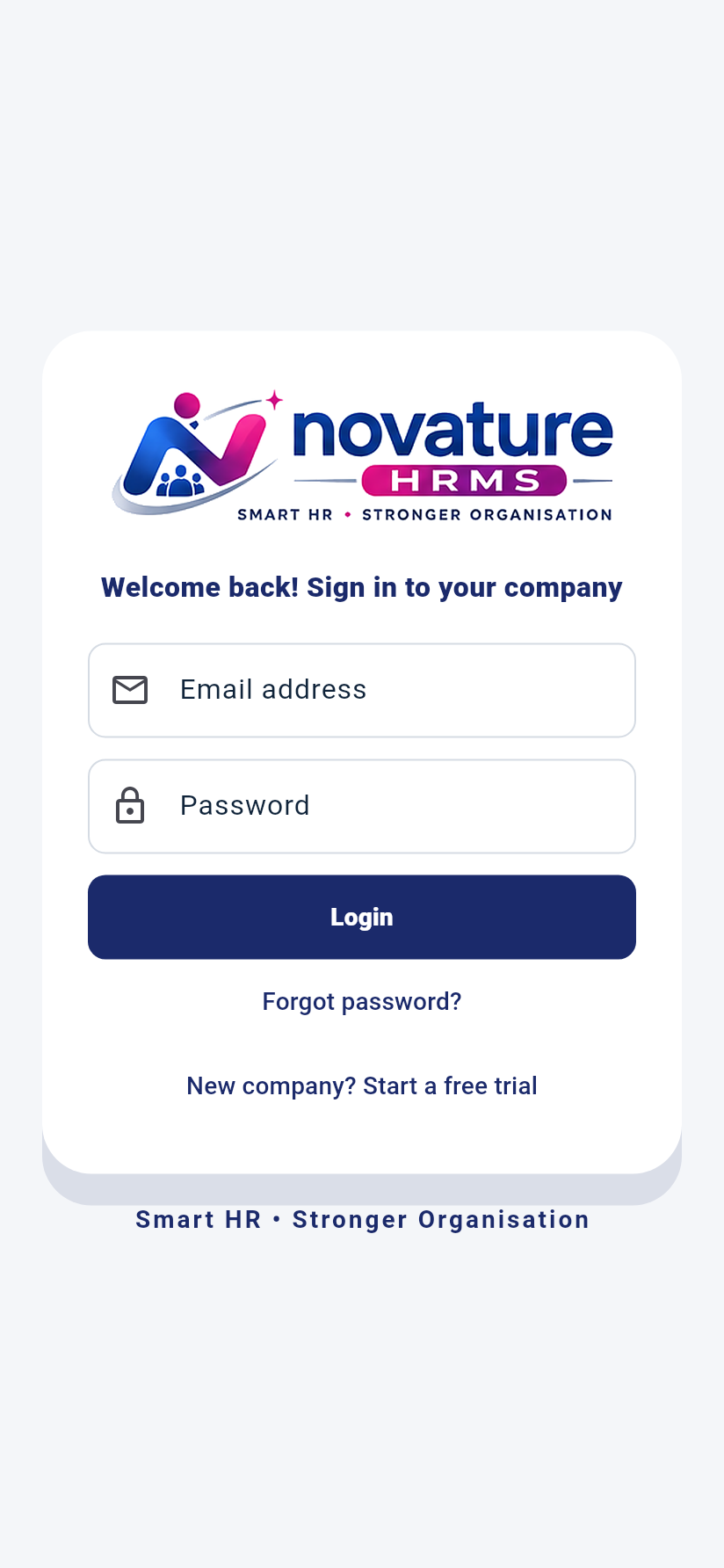
Tap Start 1-Month FREE Company Trial and enter your company name. The first month is free; from the 2nd month it is ₹10 per active employee per month. You become the Company Admin and land on this dashboard.
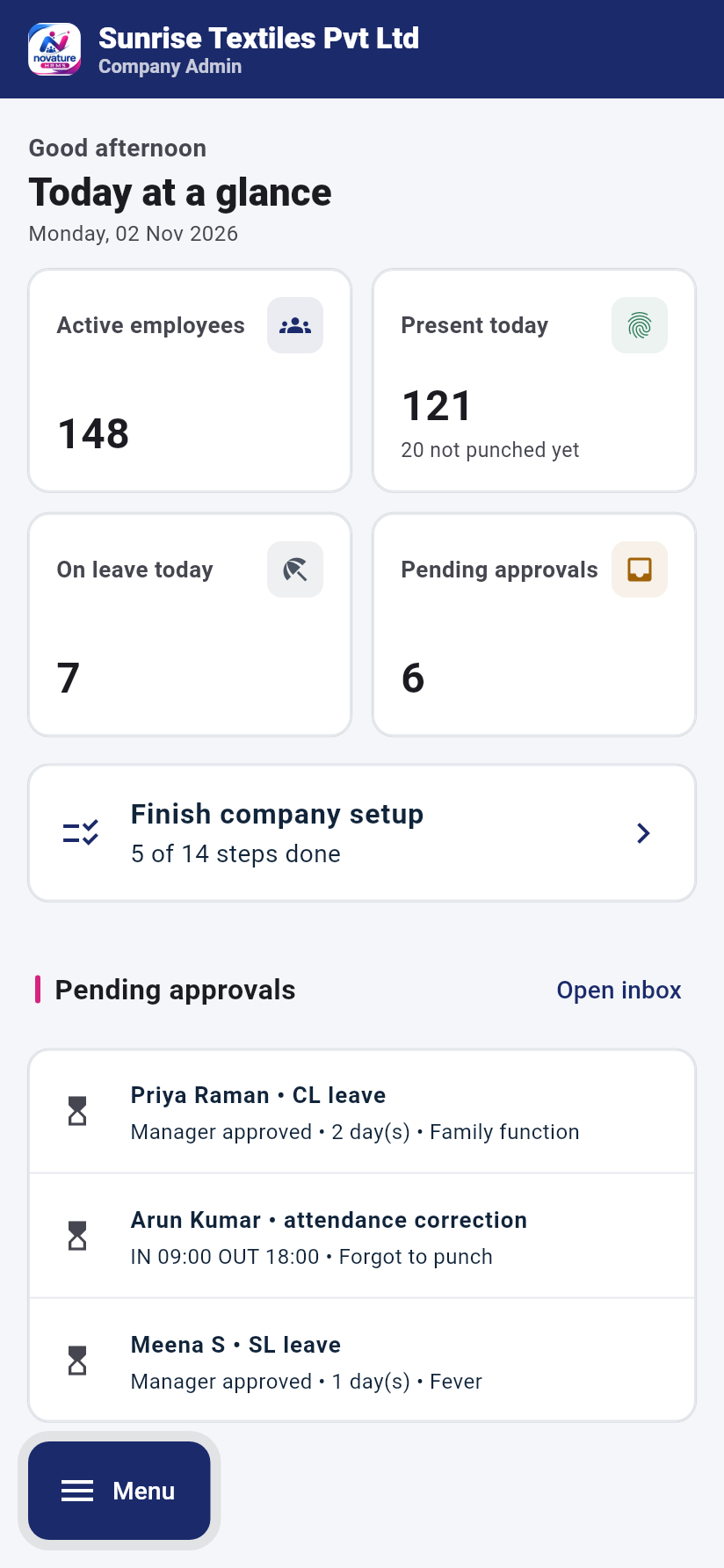
Tap Finish company setup. The steps are numbered and the next one is highlighted. Each step opens the right CSV upload.
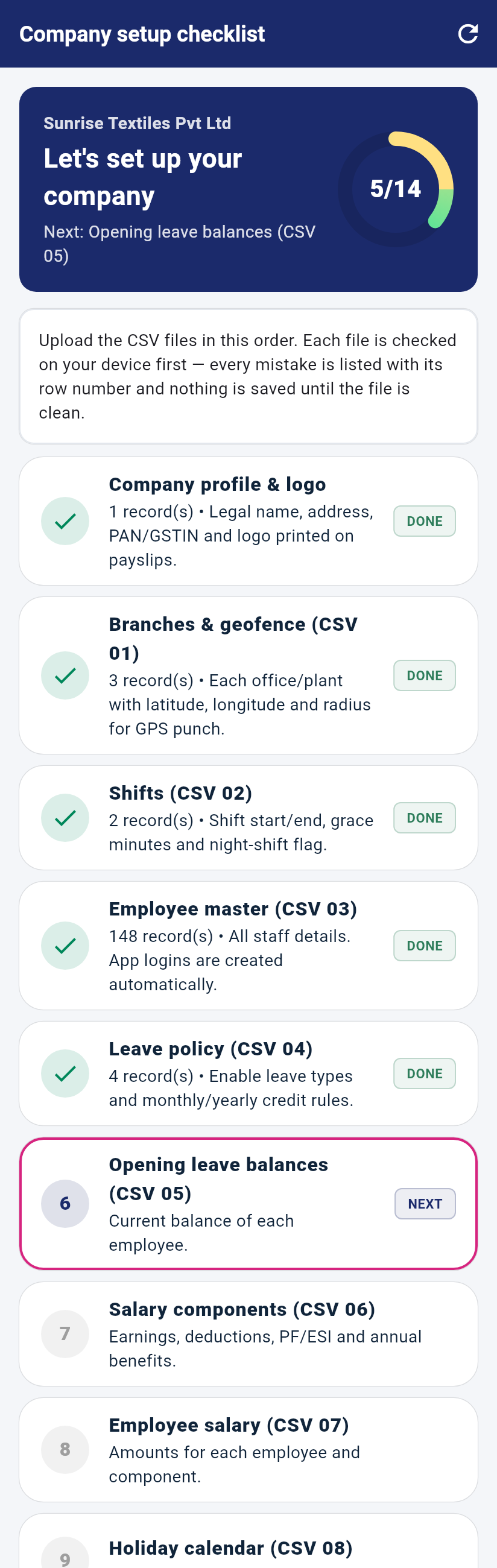
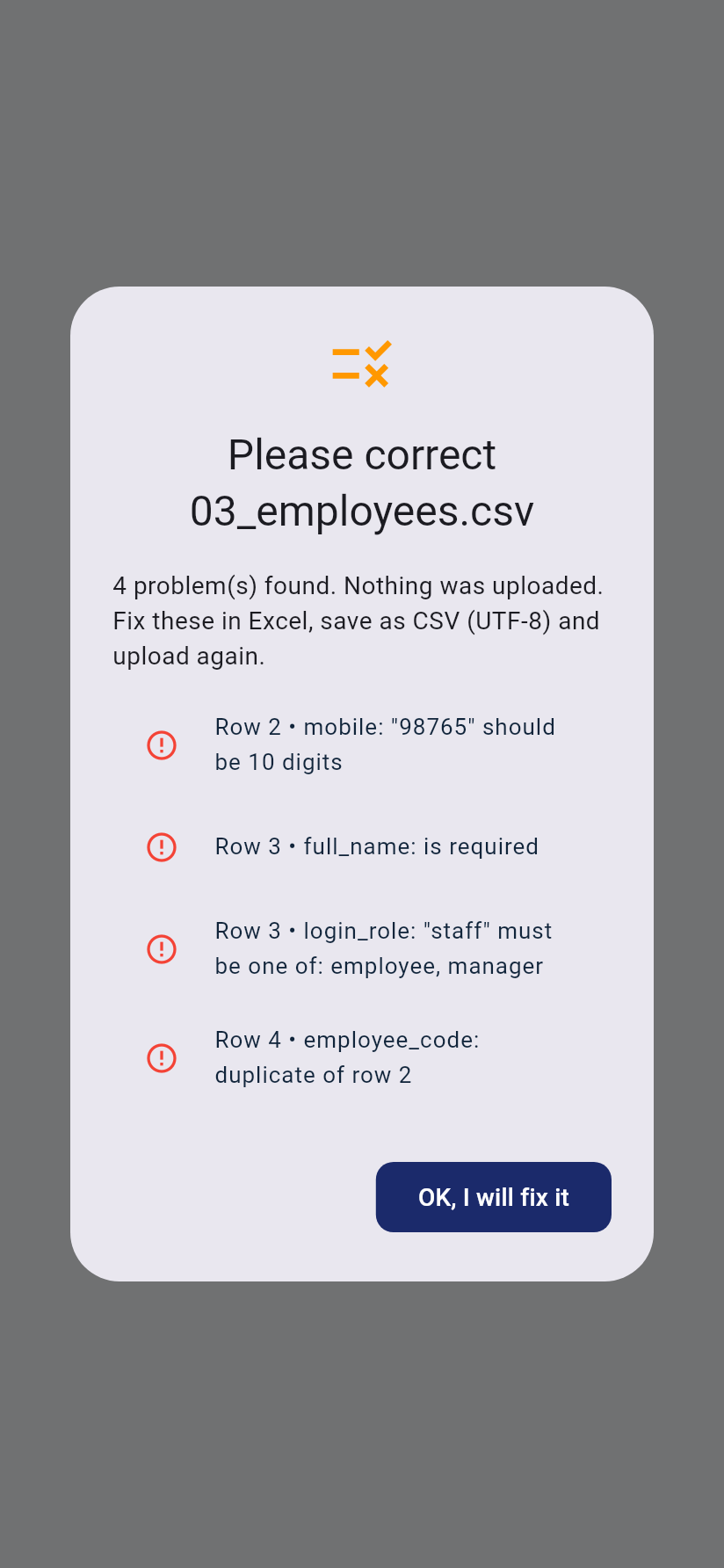
Download each sample CSV (01 → 08), replace the sample rows with your data (keep the headings), save as CSV UTF-8 and upload. Mistakes are listed by row number and nothing is saved until the file is clean.
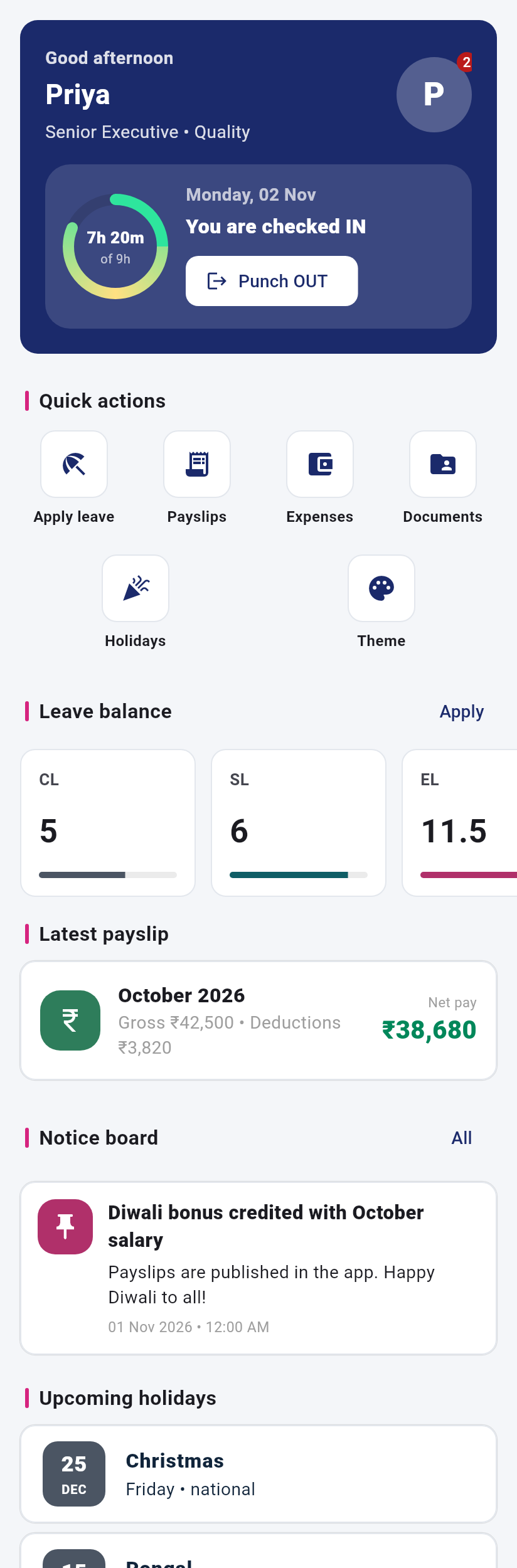
Employee logins are created automatically from CSV 03 with the temporary password novature@123. Employees must set a new password at first login, then punch in, apply leave and view payslips.
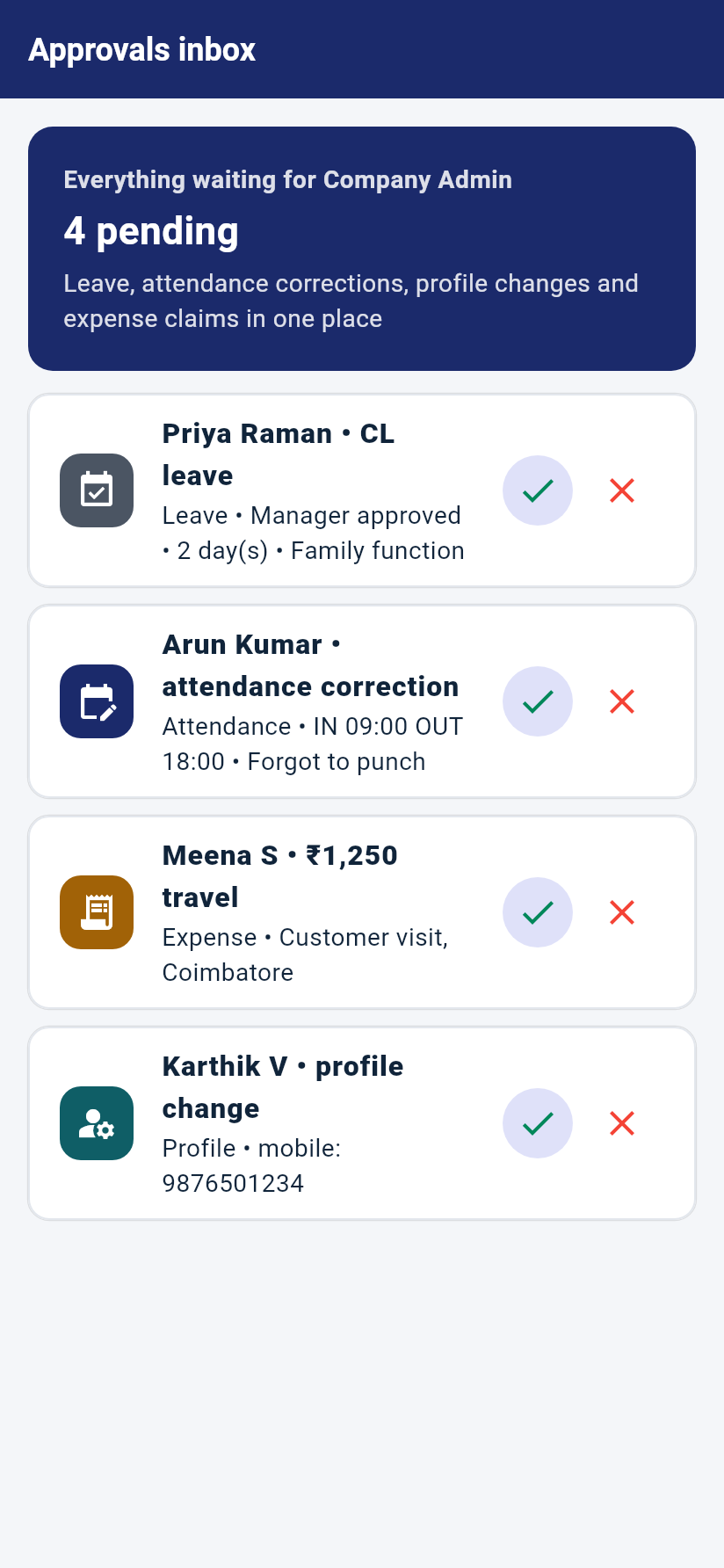
The Approvals inbox collects leave, attendance corrections, profile changes and expense claims. Tick to approve; employees are notified.
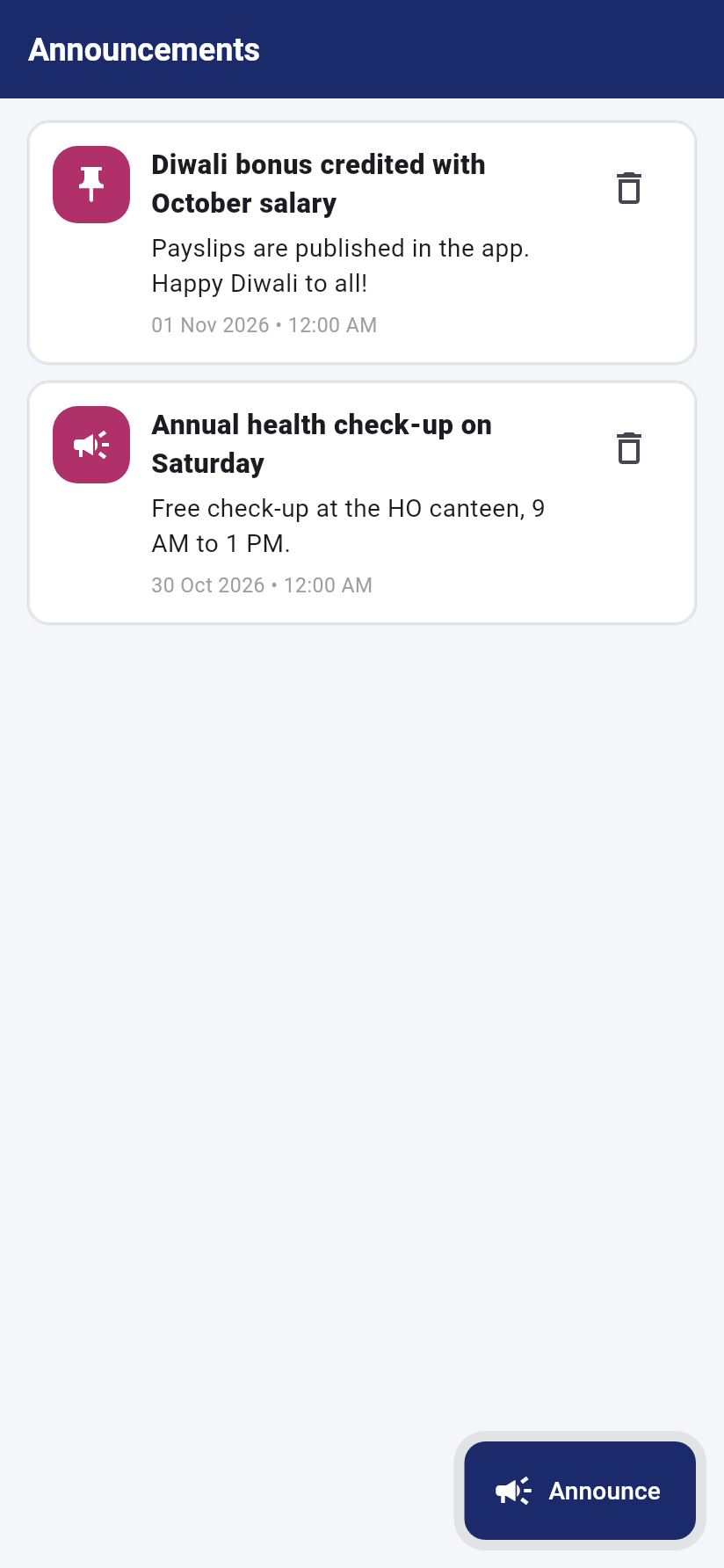
Use Announce and Holidays so everyone sees the notice board and calendar on their home screen.
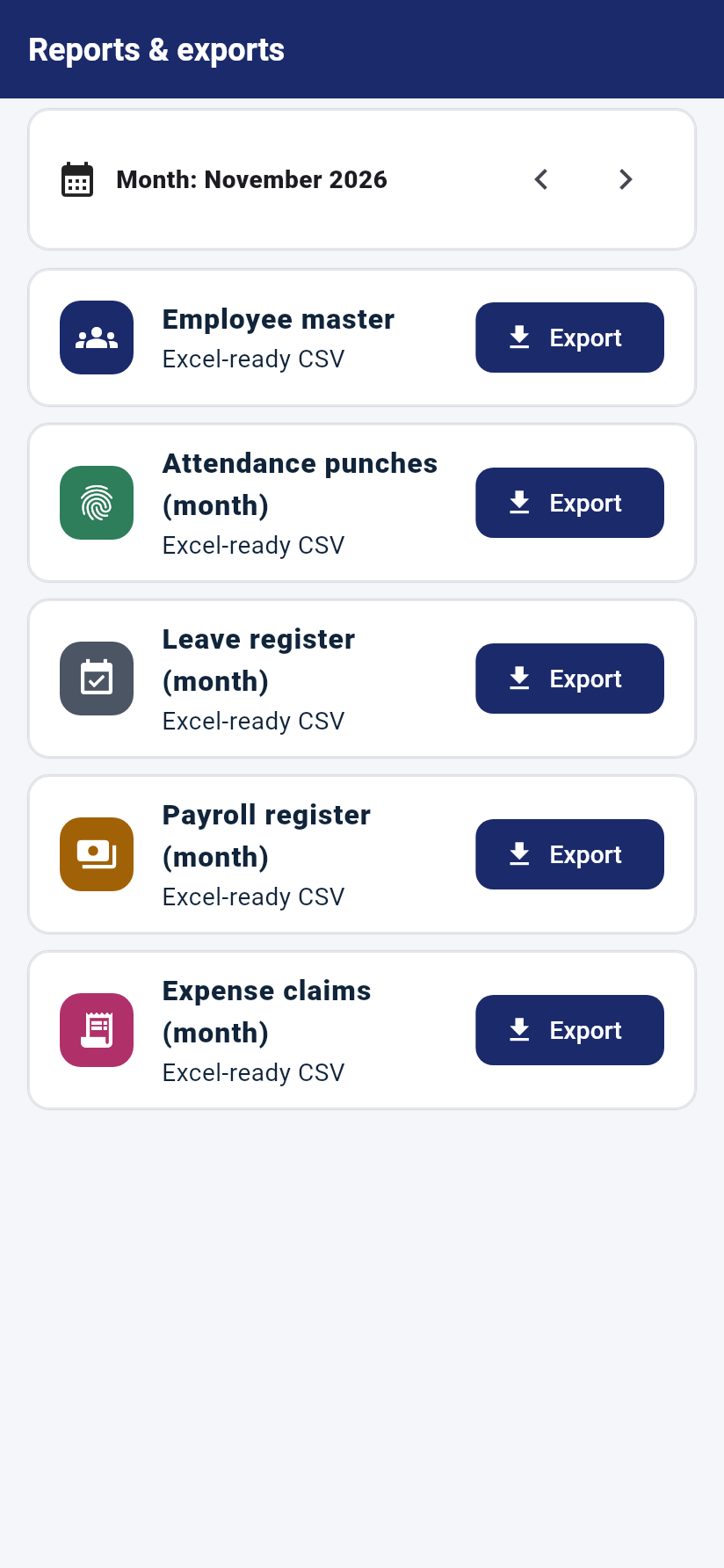
More → Attendance reconciliation & lock → Payroll processing → publish payslips. Export registers to Excel from Reports.
Email info@novature.in or visit www.novature.in.